#1Android app development: strengths and trade-offs
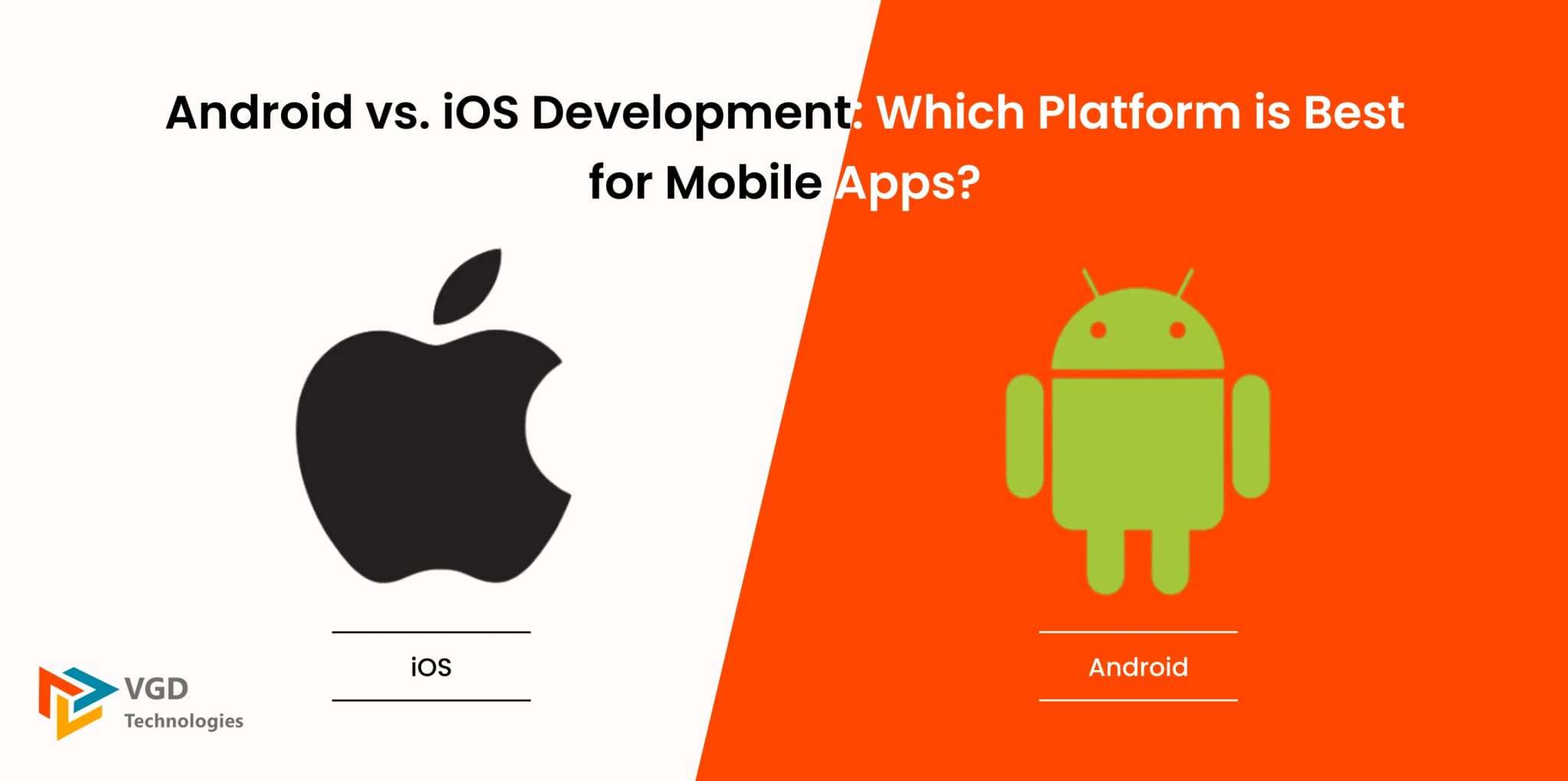
Android’s open ecosystem and Kotlin-first tooling (Android Studio, Jetpack Compose) make it attractive for teams that need deep customisation, hardware diversity, or tight integration with Google services. Distribution can extend beyond Google Play where policy allows, though most consumer products still anchor on Play for trust and updates.
- Strength: enormous installed base across price points and geographies — strong for mass-market and emerging markets.
- Strength: flexible defaults (widgets, launchers, intents) when differentiation matters.
- Trade-off: device fragmentation demands disciplined testing matrices (screen sizes, OEM skins, OS versions).
- Trade-off: revenue per user varies more by segment; monetisation strategy must match market reality.
#2iOS app development: strengths and trade-offs
iOS development with Swift and SwiftUI targets a narrower hardware set, which simplifies QA and often shortens certain performance-tuning cycles. Apple’s Human Interface Guidelines and review standards create consistency for users — at the cost of stricter rules and occasional review latency when you push novel use cases.
- Strength: cohesive UX patterns and predictable performance across a smaller device matrix.
- Strength: strong monetisation in categories like subscriptions, games, and premium services in high-ARPU markets.
- Trade-off: higher bar for design polish and guideline compliance before approval.
- Trade-off: Xcode and macOS are prerequisites — tooling choices differ from typical Windows-only shops.
#3Head-to-head: audience, cost, discovery, and release cadence
Use this snapshot when leadership asks for a one-slide comparison — then validate with your own analytics and cohorts.
- Typical languages: Android — Kotlin (Java legacy); iOS — Swift (Objective-C legacy).
- IDE: Android Studio vs Xcode — both mature; onboarding depends on team background.
- Store discovery: Play and the App Store reward crisp ASO, fast startup, crash-free sessions, and honest privacy disclosures.
- Release model: staged rollouts and feature flags are essential on both; Apple’s review adds a gate, while Play emphasises policy automation and rapid iteration when compliant.
- Ecosystem hooks: Google Play services vs Apple frameworks (Sign in with Apple, Wallet, Push Notification service) — pick the integrations that map to your roadmap, not every shiny API.
Older comparisons obsessed over kernel licences or default browsers; modern product decisions should obsess over distribution, payments, notification deliverability, and the operational cost of supporting each platform well.
#4Decision framework for startups and enterprises
- Segment your users by geography, device tier, and willingness to pay — platform priority follows the money and retention curves.
- Model total cost: engineering, design, backend, store fees, crash analytics, and compliance (PCI, HIPAA, etc.).
- If timelines demand both platforms with one team, evaluate Flutter or React Native with a plan for native escape hatches.
- Ship, measure, and sequence: dual-platform day one is optional; quality on one platform beats mediocrity on two.
VGD Technologies builds native, hybrid, and cross-platform mobile solutions — from discovery workshops to store submission and long-term maintenance — so you can match platform strategy to revenue, not slogans.