#1Why build a mobile app in 2026
A well-built mobile app increases brand visibility, unlocks push notifications and offline workflows, and meets customers where they already spend time. For many businesses, the decision is not “app or website” but how the mobile channel complements web, POS, and support — especially for on-demand services, fintech, retail, and field operations.
- Stronger habit formation than mobile web alone (home-screen presence, badges, deep links).
- Access to device capabilities: biometrics, camera, Bluetooth, background location (where policy allows).
- Higher willingness to pay in categories where in-app purchases and subscriptions are normalised.
- Clearer attribution when combined with first-party analytics and consent-aware event tracking.
#2From idea to roadmap: discovery and scope
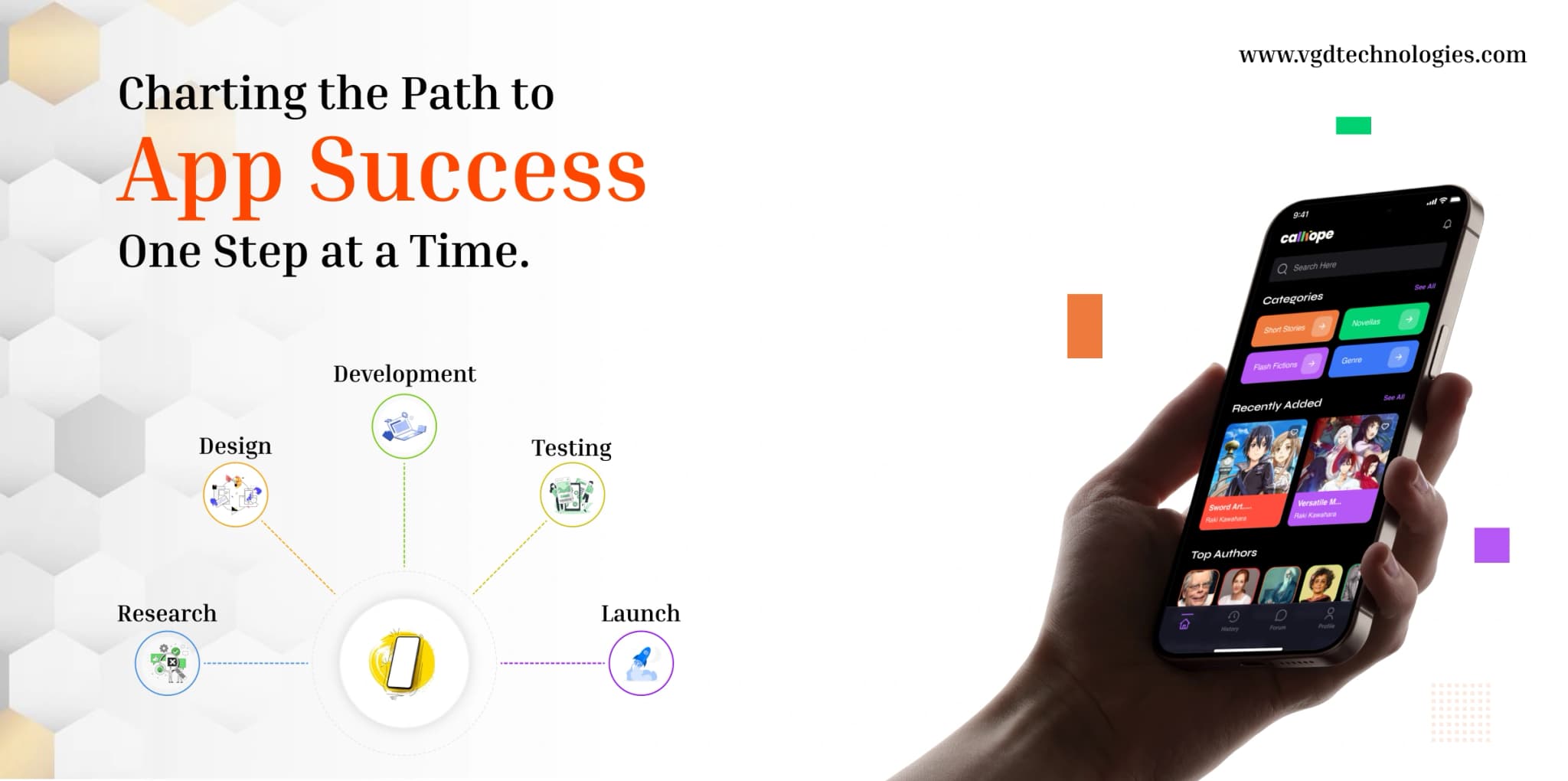
Start by writing down the user, the job-to-be-done, and the measurable outcome. Competitive research matters: identify overlapping apps, read their reviews, and note feature gaps. Translate that into a phased roadmap: must-have for v1, near-term for v1.1, and exploratory bets for later — each tied to KPIs such as activation rate, D7 retention, or support ticket volume.
- Define personas, primary journeys, and edge cases (payments, refunds, poor connectivity).
- Document functional requirements and non-functional requirements (performance, accessibility, security).
- Choose release geography and compliance needs (GDPR, PCI if you handle cards, HIPAA for healthcare, etc.).
- Estimate total cost of ownership: engineering, design, store fees, backend, observability, and maintenance.
#3Design, UI/UX, and prototyping that convert
Invest in information architecture before high-fidelity visuals. Low-fidelity wireframes validate flows cheaply; Figma (or equivalent) prototypes validate comprehension. Follow platform conventions — Material Design cues on Android and Human Interface Guidelines patterns on iOS — so users feel at home. Accessibility (dynamic type, contrast, screen readers) is both an ethical baseline and an App Store / Play policy expectation.
Performance is part of UX: optimise images, lazy-load heavy screens, and avoid blocking the main thread on first open. For SEO-adjacent discovery, PWAs can be indexed as websites; native apps rely more on App Store Optimisation (ASO) — keywords in title, subtitle, and screenshots still move the needle.
#4Native vs PWA vs cross-platform (Flutter & React Native)
Native mobile app development (Swift/SwiftUI on iOS, Kotlin on Android) maximises performance and OS integration at the cost of two codebases. PWAs ship through the web, support install prompts on many browsers, and iterate without store review for content — ideal for marketing-heavy or content-led experiences — but they have tighter limits on background execution and store distribution.
Cross-platform frameworks reduce duplicate work: Flutter compiles to fast UI with a single Dart codebase; React Native shares JavaScript/React skills with web teams and integrates natively where needed. The right choice depends on team skills, latency sensitivity, hardware access, and release cadence — not on hype.
- Choose native when the product is graphics-heavy, deeply integrated with OS features, or latency-critical.
- Choose PWA when speed-to-market and SEO/discoverability via URLs matter more than deep hardware APIs.
- Choose Flutter or React Native when one team must ship Android and iOS together with acceptable performance.
#5Build, test, launch, and iterate with analytics
Engineering should include automated tests (unit, integration, UI where feasible), crash reporting, and staged rollouts. Use TestFlight for iOS beta distribution and Google Play internal / closed testing tracks before production. Store submission requires accurate metadata, privacy nutrition labels, data safety forms, and content moderation where user-generated content exists.
After launch, treat ratings and reviews as a product surface: respond, fix top crashes first, and ship updates on a predictable cadence. Teams that win pair release trains with observability — not just “does it build?” but “does the funnel convert on real devices on real networks?”